

Overview
The Alex × Avionté integration connects your Avionté BOLD front office to Alex. Avionté sends Alex events as jobs and talent change; Alex reads the records it needs, runs your Alex workflows — inviting applicants to AI interviews, screening, and scoring — and writes results back to the talent record.
How it works
Once Avionté has enabled the integration for your tenant and your Alex account team has linked it, this is the typical path:- A job is created in Avionté BOLD. Alex imports it and runs your job workflow, generating an interview from the job title and description.
- Talent applies, is added to a pipeline, or moves stage in Avionté. Alex creates the candidate (name, email, phone, resume) and runs your application workflow — usually an interview invite by email or SMS.
- The candidate completes the Alex interview. Your workflow can upload the interview report PDF to the talent record, add the talent to a pipeline stage, and update talent fields.
- A recruiter records a decision in Alex. If ATS Sync mappings exist, Alex moves the talent to the mapped Avionté pipeline stage.
What the Integration Reads from Avionté
Events Alex responds to
Alex also checks the stage of each in-process talent every 15 minutes, so that a move to a hired or started stage in Avionté is reflected in Alex even though Avionté sends no event for it.
Records Alex reads
- Jobs — title, description, client company name, owner, entered-by and sales-rep users, status, and job custom fields.
- Talent — name, email addresses, phone numbers, and representative. Workflow custom variables can read other standard talent fields; EEO and tax fields are never read.
- Talent documents — the talent’s resume (PDF, DOCX, DOC, or TXT), used to screen and interview the candidate.
- Users — name and email, to identify a job’s owner and a talent’s representative.
- Reference lists — job activity (stage) types, job statuses, and job custom field definitions, used to populate settings and workflow dropdowns in Alex.
What the Integration Writes to Avionté
Alex workflows can also filter on Avionté job fields (Filter by Job, including job custom fields) and send email to or from a talent’s Avionté representative (Candidate Owner (ATS)).
Not Supported
The following are out of scope for this revision:- Creating talent, jobs, or placements in Avionté.
- Writing activities or notes to a talent.
- Writing job status, or any job field, to Avionté.
- Writing custom fields on talent or jobs.
- Reading placements, branches, or talent custom field definitions.
- Searching Avionté for existing talent by email.
Setup
No Avionté credentials are entered in Alex by your team. Avionté enables the integration on their side; Alex links the tenant.- Confirm your Avionté BOLD contract includes an API subscription and that an MOU is in place (see the disclaimers below).
- Submit a ticket to Avionté asking them to connect your Avionté account to Alex. Use Avionté support. Avionté enables the integration and its events for your tenant.
- Tell your Alex account team once Avionté confirms the connection. They link your Avionté front-office tenant to your Alex company.
- In Alex, go to Settings → Integrations → Connect your ATS and select Avionté. Your account team verifies the connection from there.
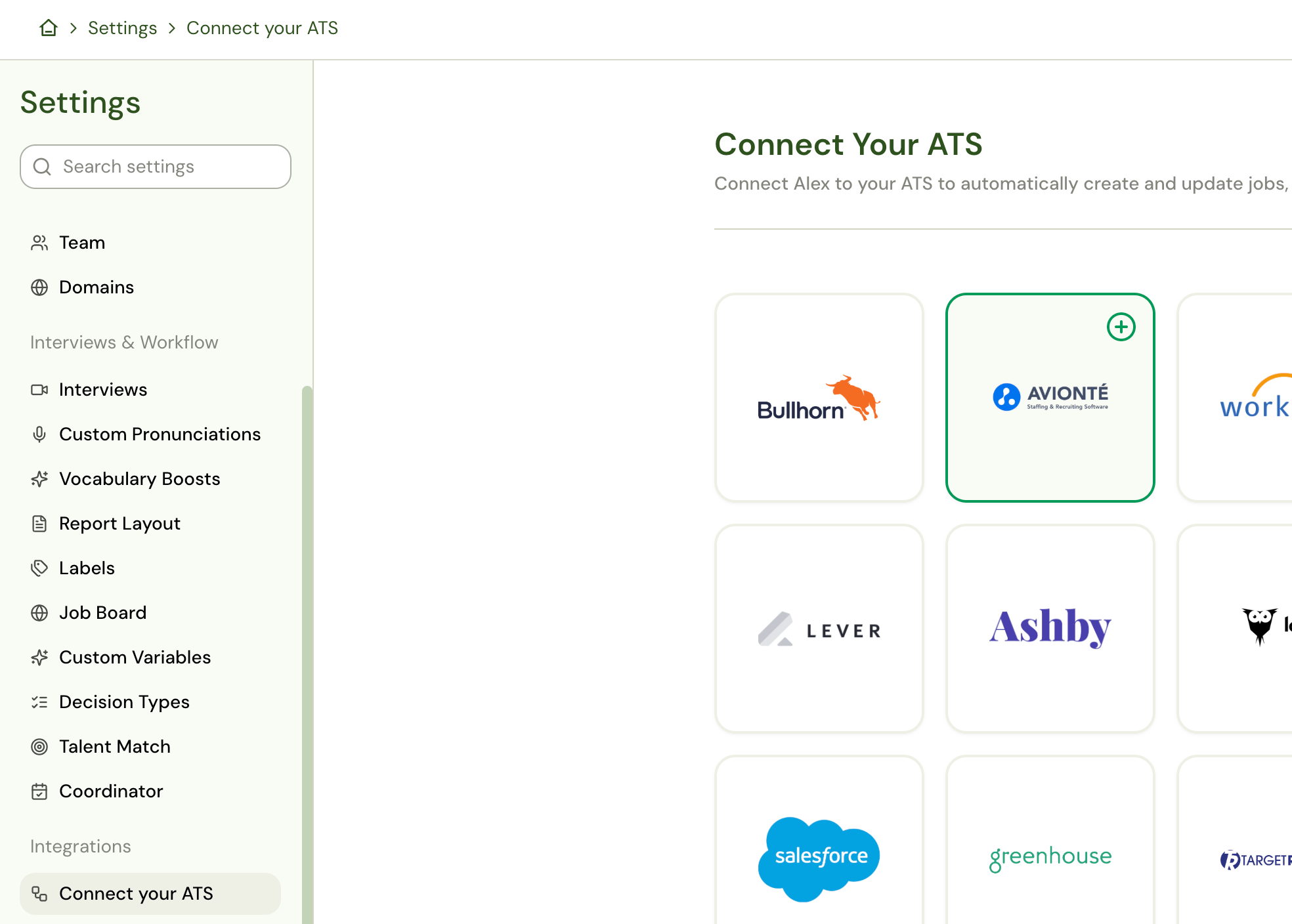
The Avionté card in Settings does not take an API key. If the page still asks you to submit an Avionté ticket after
your account team has linked the tenant, contact support@alex.com.
Configure ATS Sync
ATS Sync is how interview decisions and job fields stay aligned between Alex and Avionté. Avionté supports both Interview Sync and Job Sync through the direct integration (not Kombo). Full reference: ATS Sync.- In Alex, go to Settings → ATS Sync.
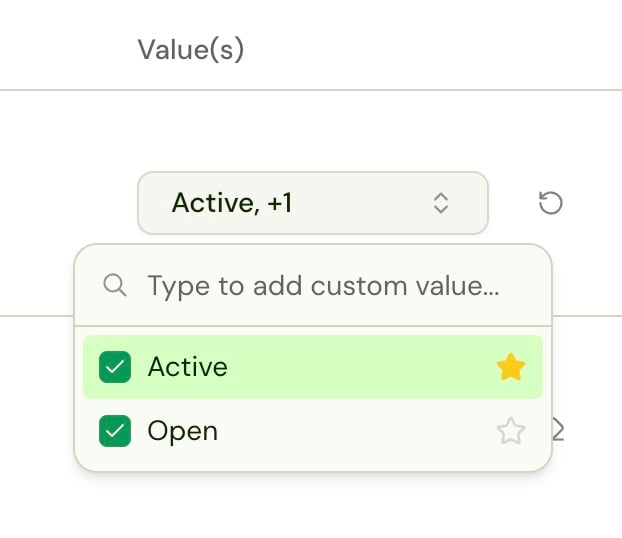
- On Interview Sync, map each Alex decision (Accepted, Rejected, Placed, Submitted, Hired, and so on) to one or more Avionté pipeline stages.
- If a decision maps to more than one stage, star the default value — that is the stage Alex writes when a recruiter records the decision in Alex.
- Set sync direction per mapping:
- Inward (Avionté → Alex): a stage change in Avionté updates the interview decision in Alex.
- Outward (Alex → Avionté): a decision in Alex adds the talent to the mapped pipeline stage.
- Two-way: both.
- On Job Sync, map Avionté job status values to Active / Inactive, and optionally sync job owner, title, and description into Alex.
Configure workflows
Workflows are where you choose which Avionté events start an interview and what Alex writes back. Open Workflows in Alex after the tenant is linked.Job workflow
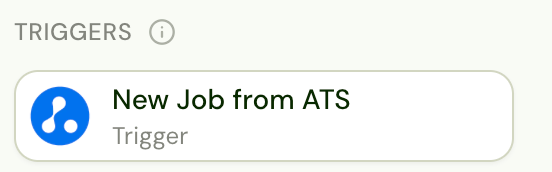
- Open your job workflow and add the New Job from ATS trigger. Avionté delivers new jobs over its own events — do not use New Job from ATS (Webhook) for Avionté.
-
Optionally add Filter by Job so only the jobs you want generate interviews. Standard fields:
- Add Configure Job and generate the interview from the Avionté title and description.
Application workflow
Add one or more Avionté triggers, depending on when you want Alex to invite talent: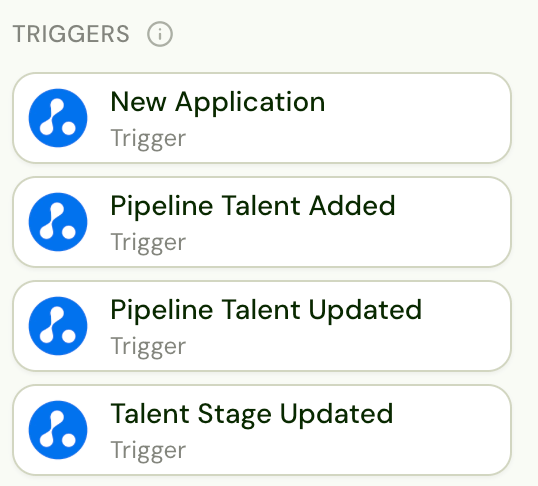
On the three pipeline/stage triggers, set Target stages if the workflow should run only for certain Avionté stages. Leave it empty to run on every stage change.
A typical application workflow:
- New Application (and/or a stage trigger) → Filter by Job if you want to limit which jobs invite.
- Invite the candidate by email or SMS.
- On Interview Completed, add Avionté write-backs from the Actions palette:
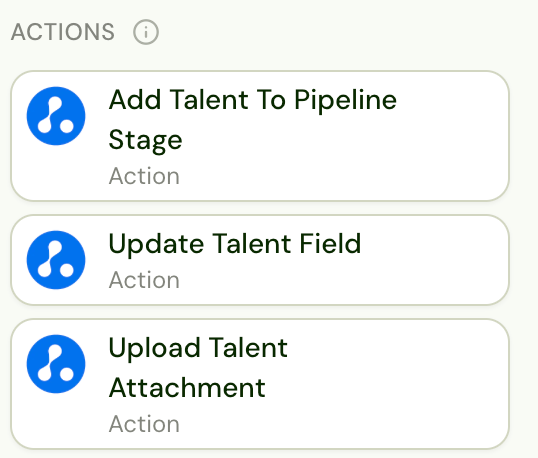
- Add Talent To Pipeline Stage — pick the pipeline stage from your tenant’s catalog.
- Update Talent Field — write first/middle/last name, primary or secondary email, mobile/home/work phone, or referred by.
- Upload Talent Attachment — attach the Alex interview report PDF (or the resume / identity verification report) to the talent record. Set the destination file name; you can also set an optional Avionté document type.
- Optionally Send Email to Candidate Owner (ATS) — the talent’s Avionté representative.
Talent without a first name, last name, or email are skipped and never invited. The job must already
exist in Alex (from the job workflow) before an application for it will run.
Test the integration
Use a test job and test talent in Avionté BOLD before going live.- Create a test job in Avionté. Confirm it appears in Alex and that an interview was generated.
- Apply a test talent (with name and email) to that job, or add them to a pipeline stage your workflow targets.
- Confirm the candidate is created in Alex and the invite is sent.
- Complete the interview. Confirm the report PDF is on the talent record and the talent is in the configured pipeline stage.
- Record a decision in Alex. Confirm ATS Sync moved the talent to the mapped stage.
- In Avionté, move the talent to a hired or started stage. Within about 15 minutes, the decision in Alex should update if Interview Sync is mapped.
Troubleshooting
Standard Operating Procedure
The timeline below is typical. The actual timeline depends on how many resources and how much time your team can
commit to the integration and onboarding.
Support and escalation: Contact your Alex account team or support@alex.com. Issues with your Avionté API subscription, MOU, or tenant access go to Avionté support. To turn the integration off, notify both Alex and Avionté BOLD.
Disclaimers
API subscription and usage disclaimer. Only the functionality and data access explicitly documented herein are
supported. Any capability not expressly shown here does not exist, is out of scope, and is unavailable, even if
previously discussed verbally or implied. Customers and Integrators should treat this document as the single source of
truth for the Alex × Avionté integration. Capabilities added in the future will be reflected by an updated revision of
this document; the current revision date is stamped below.Current revision: October 20, 2026