

Connect Your Email Account
Connecting your personal email account allows you to send interview-related emails directly from your own Gmail or Outlook address. This makes communication feel more personal and can improve how candidates respond.Link a Gmail or Outlook account
- Navigate to your Profile settings.
- Locate the Connected Email Accounts section.
- Choose to connect either your Gmail or Outlook account.
- Follow the authentication steps to securely link your account.
Use a Custom Branded Email Domain
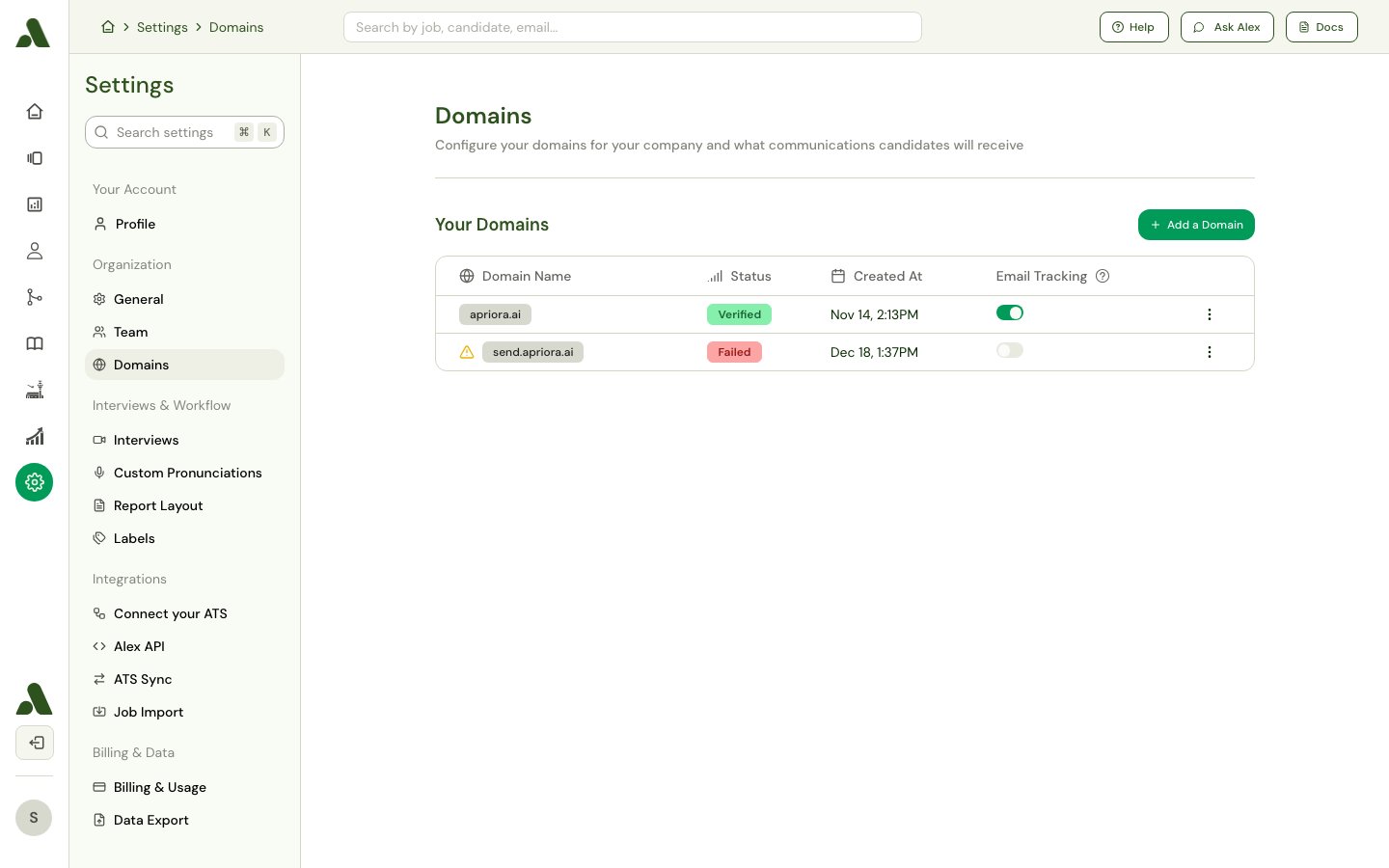
recruiting@yourcompany.com). This reinforces your brand and can help emails avoid spam filters, improving deliverability.
Configure your email domain
- Go to the Domains settings page.
- Follow the instructions to configure and verify a custom domain for sending emails.
Customize Email Templates
Creating standardized email templates for different stages of the interview process ensures consistent and professional communication with every candidate. It saves you time by automating invitations, reminders, and follow-up messages.Build the invitation and reminder sequence
Candidate outreach is configured per workflow, inside an Initiate Outreach group in your application workflow. The group holds the sequence Alex works through:- Invitation: the first message a candidate receives, inviting them to an interview. It can describe the interview and include a link to schedule or take it directly. Add it with Add invitation.
- Reminders: follow-up messages for candidates who haven’t scheduled or completed their interview yet. Add each one with Add reminder and give it a delay — in minutes, hours, or days — measured from the previous step. You can add as many as you need, and remove a reminder by deleting its step.
How to Customize Templates
For each template, you can edit the subject line and body to match your company’s voice and tone.- Use Variables: Personalize emails automatically by inserting variables. Click Add Variable to choose from a list of available placeholders.
- Format Text: Use the toolbar to apply bold or italic formatting to your text.
- Add Links and Buttons: Insert custom hyperlinks or call-to-action buttons into the email body to direct candidates to important resources.