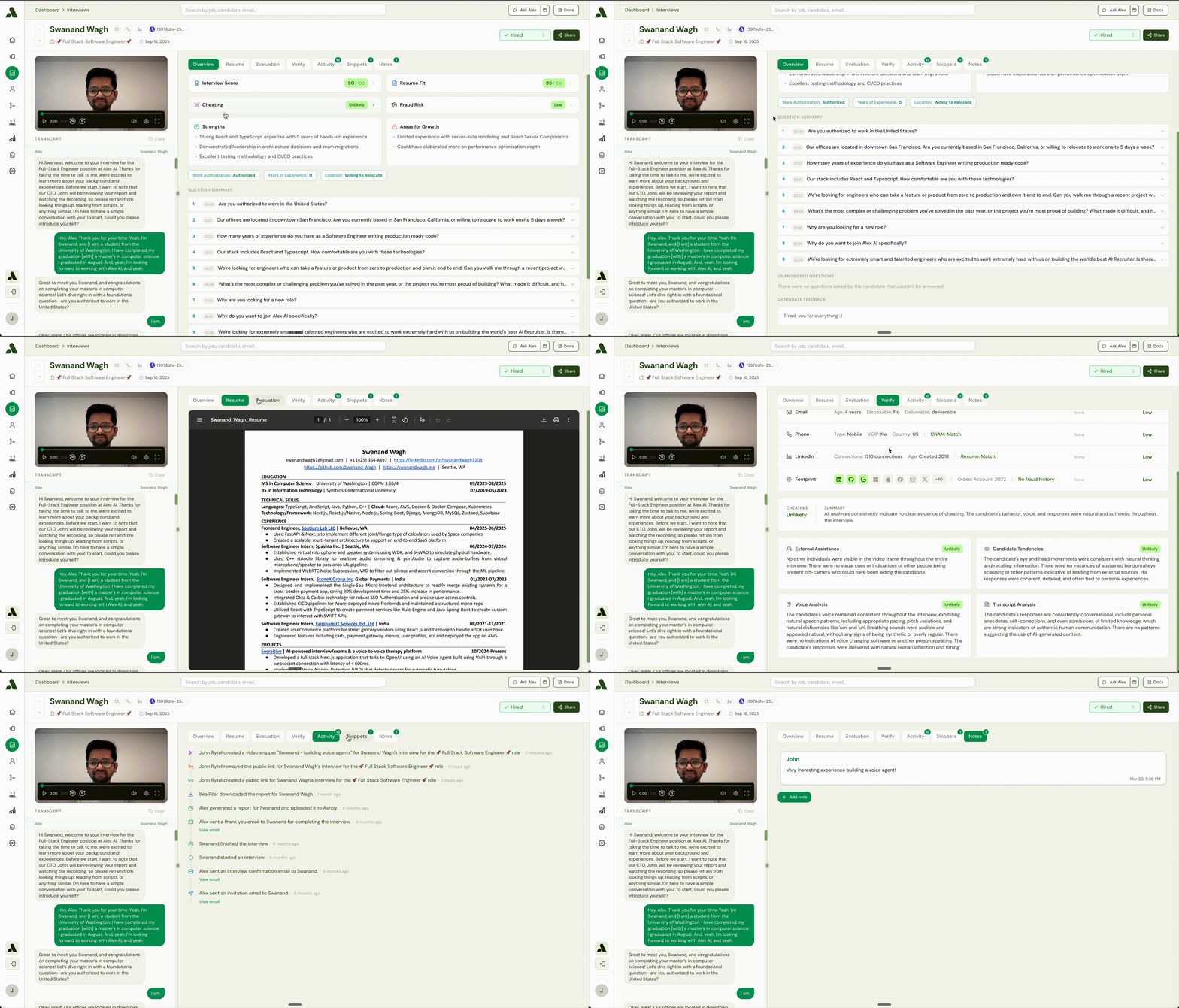
Interview Reports that Summarize and Analyze Candidate Performance
Streamlined candidate reports allows recruiters to quickly get the key insights from Alex’s interview. The goal is simple: make it easier to quickly understand candidate performance and decide what to do next. When you open a candidate’s report, you’ll find several sections where Ask Alex has already summarized and analyzed their performance. This helps you quickly grasp the most important details without having to watch the entire interview. Here’s what you can find in the report:- Interview Summary: Located in the Overview tab, this is a brief paragraph that highlights the candidate’s key strengths, how they performed in high-pressure situations, and their overall potential for the role.
- Resume Analysis: Located in the Overview tab (by clicking “See more”), this section automatically compares the candidate’s resume to the job requirements. It provides key fit points, areas for discussion, and a detailed breakdown of minimum requirements.
- Skill Evaluation: In the Evaluation tab, you’ll see scores for crucial skills like communication, technical abilities, and problem-solving. Each score is accompanied by a brief explanation of the candidate’s performance in that area.
- Question Summary: In the Evaluation tab, this offers a condensed version of the candidate’s answer to each interview question, allowing you to quickly review their responses.
- Fraud and Cheat Detection: Located in the Verify tab, these sections provide an analysis of the interview for any signs of cheating or fraudulent activity, flagging the likelihood of any issues.
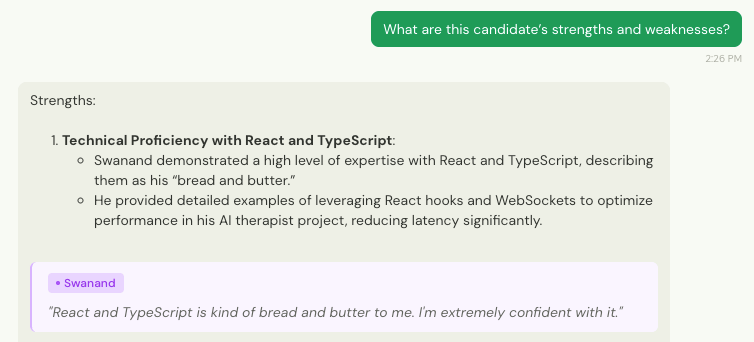
”Ask Alex” - Your in-app assistant
Think of Ask Alex as your co-pilot for making hiring decisions - your in-app assistant designed to provide data-informed insights to support your own judgment. Accessible from the** top-right corner**, Ask Alex allows you to interact with your recruiting data in real time - whether you’re reviewing candidates, managing roles, or navigating the product. (Ask Alex replaces the old chat module.)
- “Summarize this candidate’s technical skills.
- “What are the key strengths from their resume?”
- “How does this candidate’s experience compare to the job description?”
- “What questions should I add to Alex’s interview to better assess backend software development skills for this Full-Stack Engineer role?”
Interact with “Ask Alex” to Make a Decision
While Ask Alex can provide powerful insights, it does not make the hiring decision for you. The AI assistant cannot directly shortlist or reject a candidate. Instead, it provides the analysis you need to make the final call with confidence. You can ask the assistant for its assessment to help guide your decision. For example:- “Should I shortlist this candidate?”
- “Based on the report, is this candidate a good fit for the role?”